
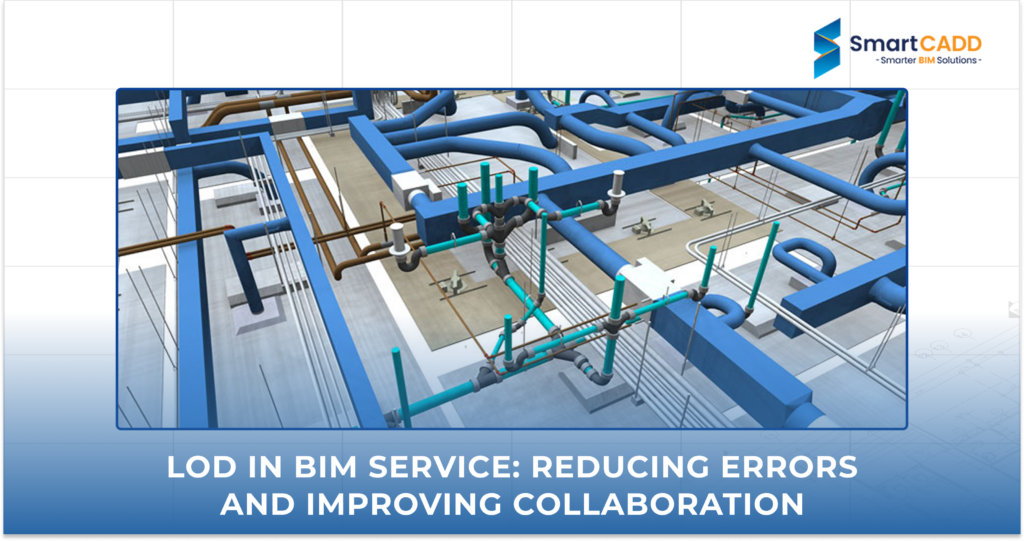

In construction, small mistakes can lead to big problems. That’s why BIM Services rely on clear and accurate models. One way to make sure everyone is on the same page is through LOD (Level of Development) BIM.
If you are wondering what LOD is in construction, it is a way to show how detailed and reliable each part of the model is. When teams know what to expect from the model, they make fewer errors and work together more easily. It is a simple idea that avoids confusion and keeps projects on track.
In this article, we will explore how LOD BIM improves BIM services by:
- Fewer mistakes during design and construction
- Better teamwork across different roles
- Easy decisions at every stage of the project
Whether you are a BIM professional or just getting started with digital construction, LOD helps you with smart and more efficient project execution.
What Is LOD in Construction and BIM?
LOD means Level of Development. It is used in construction and BIM to show all the details included in a model. When the LOD is higher, it delivers more accurate and reliable information.
If you are asking what LOD is in construction, think of it as a scale. At the start, you will have rough shapes and general concepts, which are enough to visualize the idea (LOD 100). As the project design progresses and moves forward, more information is added till the time it is ready to build from (LOD 400) or shows the final built result (LOD 500).
Teams know what they are looking at with each BIM level of detail. It avoids confusion. It makes coordination easy and helps people make better decisions.
Here is why the level of detail in BIM matters:
- It sets clear expectations.
- It improves communication between teams.
- It decreases errors and rework.
Breakdown of LOD Levels in BIM Services
LOD Level | Name | Description | Use Case |
LOD 100 in BIM | Conceptual Design | Basic shapes and symbols representing overall massing and location | Feasibility studies, early design intent |
LOD 200 in BIM | Approximate Geometry | Generic geometry with estimated quantities, size, shape, and location | Schematic design, spatial coordination |
LOD 300 in BIM | Precise Geometry | Accurate geometry, dimensions, and placement suitable for coordination | Construction documentation, clash detection |
LOD 350 in BIM | Detailed Connections | Includes interfaces between building systems and constructability details | Advanced coordination, constructability review |
LOD 400 in BIM | Fabrication and Assembly | Model includes fabrication details, assemblies, and installation specifications | Prefabrication, construction execution |
LOD 500 in BIM | As-Built / Facility Management | Reflects actual installed components and conditions for operations | Facility management, maintenance |
When you use the correct BIM LOD level at each stage, keep the model balanced. It ensures that models are not too detailed or too unclear and helps to save time and rework.
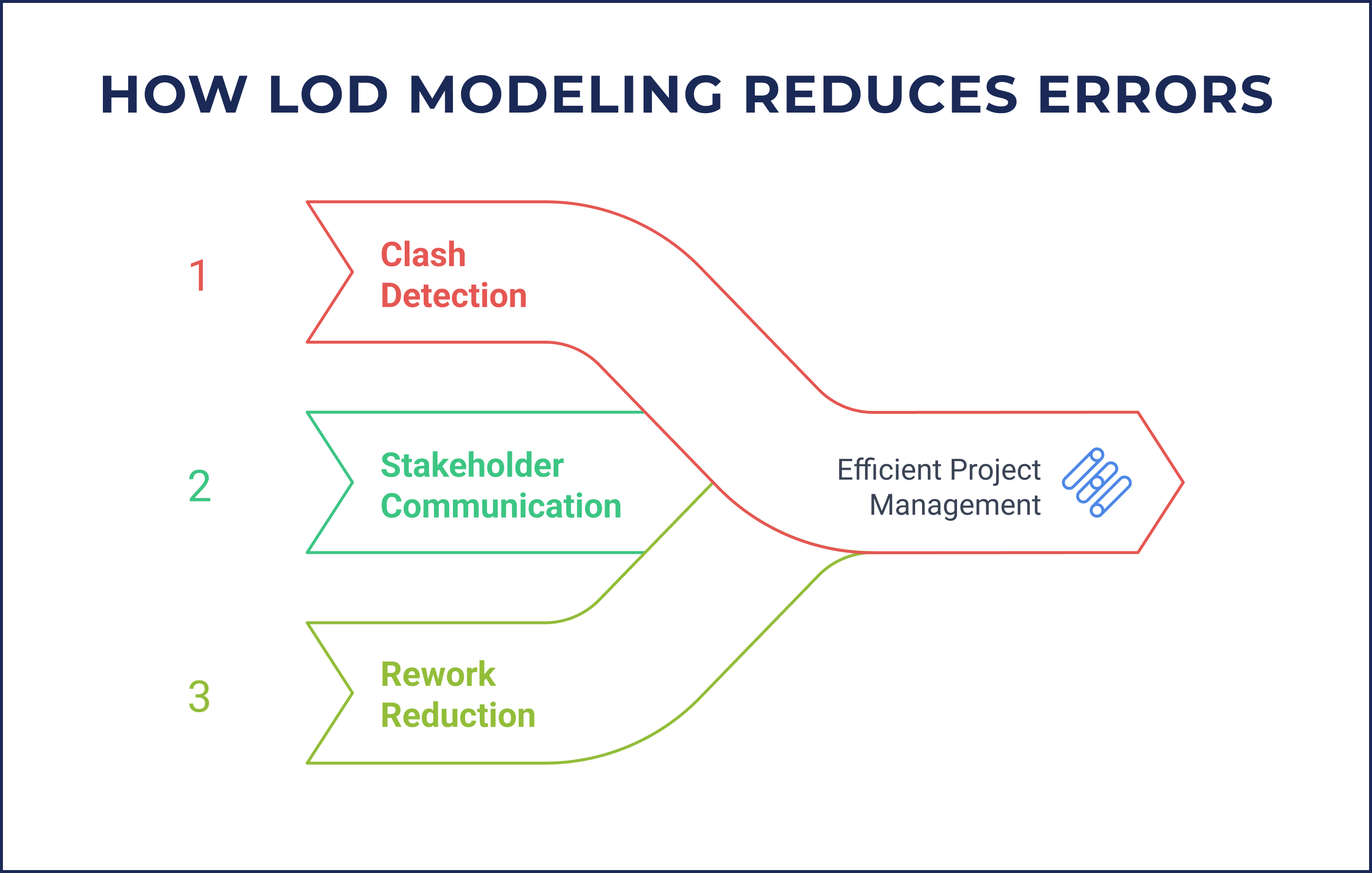
How LOD Modeling Reduces Errors
LOD modeling helps teams avoid mistakes before they happen. It is part of how BIM services keep projects on track.
Here is what it does:
- It catches clashes early
With accurate geometry and system interfaces (LOD 300 and above), it is easy to identify problems, like pipes running through walls or beams blocking ducts. That means fewer issues during construction. - Clear communication among stakeholders
Each BIM level of detail sets expectations. Clear models help architects and contractors understand what is expected. No guesswork. No confusion. - It cuts down on rework and RFIs
When models are clear and complete, teams do not need to keep asking for missing information. That saves time and avoids delays.
LOD modeling is not about adding more. It is about adding what is needed so the work gets done right the first time.
Improving Collaboration Through BIM LOD Levels
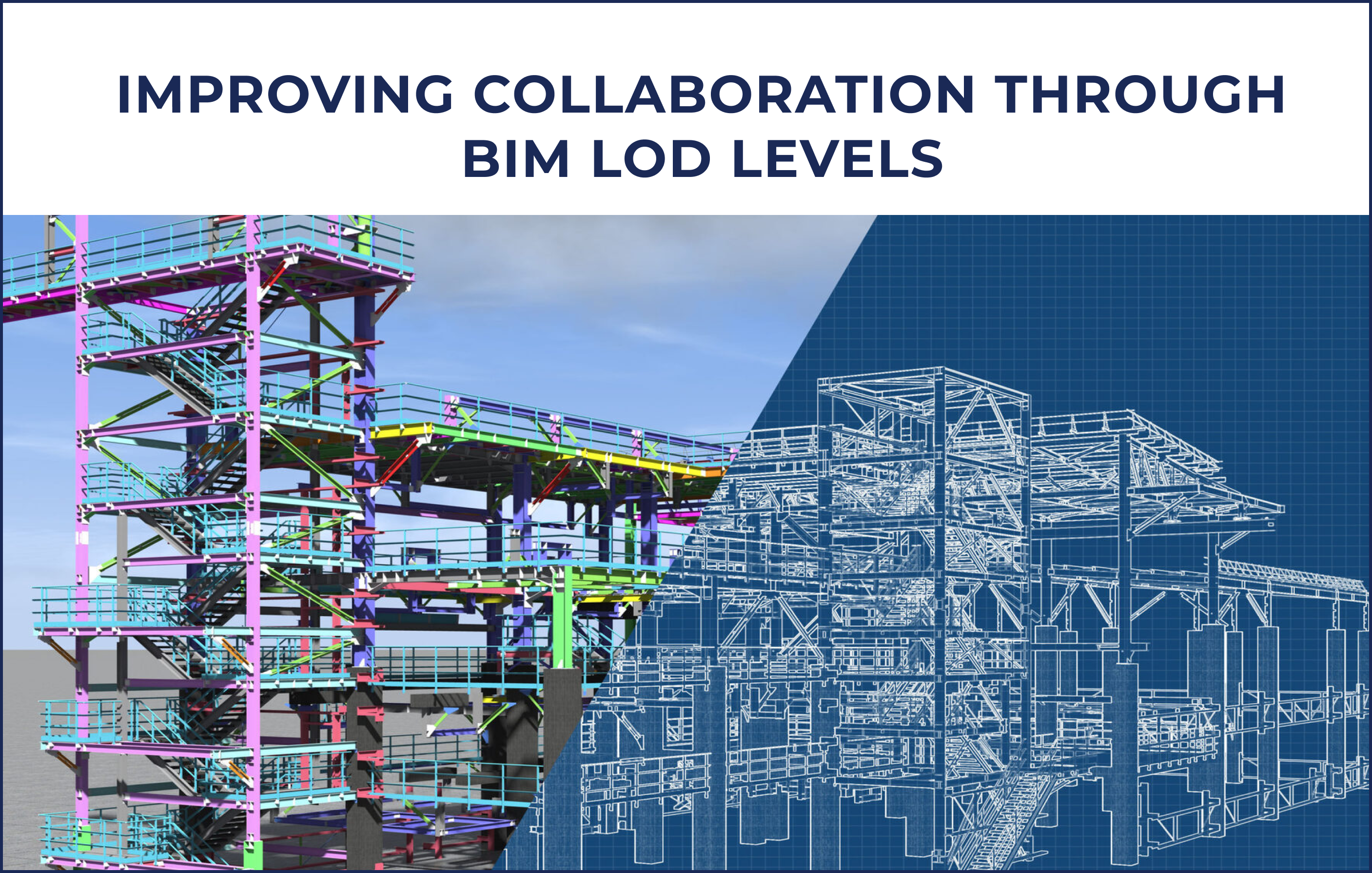
Working on a building project means managing input from different teams. Everyone has their priorities. Without a shared system, everything creates confusion. That is where LOD BIM helps. By setting clear expectations for what each model includes, BIM LOD levels help each team stay aligned without any guesswork and surprises.
What LOD Does
BIM LOD levels show how much detail a model should have at each stage. Architects focus on form and space. Engineers care about systems and structure. Contractors need buildable details. It is a way to set clear expectations without any guesswork.
- LOD 100–200: Good for early design. Shapes and spaces are rough.
- LOD 300: More detail. You can start coordinating between teams.
- LOD 350: Adds connection points. Helps spot clashes before construction.
BIM LOD Real Example: LOD 350 for MEP
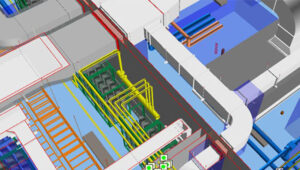
On a recent project, a performing arts center in California used LOD 350 for MEP modeling and coordination. The team modeled,
- HVAC
- Plumbing
- Electrical systems
They included,
- Hangers
- Brackets
- Other connection details
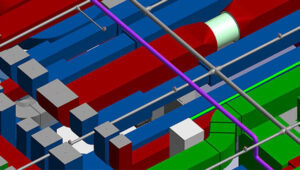
This helped them catch problems early—like pipes running into ducts—before anything was built.
By using LOD BIM at the right level, the project team:
- Identified and resolved system clashes early
- Shared updated plans with all stakeholders
- Improved installation accuracy and safety
Why It Matters
When everyone works from the same level of detail, things go faster. Fewer surprises. Fewer delays. BIM Services that use the right LOD level help teams stay on track.
Best Practices for Implementing LOD in BIM Projects
Getting the right level of detail in BIM matters. It helps teams avoid confusion and work more efficiently. Here is how to make LOD modeling work better in real projects:
- Define LOD Requirements Early: Decide what detail is needed at each stage. Do not wait. Clear LOD goals help everyone know what to build and when.
- Include LOD in Contracts: Make it part of the agreement. If the model needs to be at LOD 300, say it clearly. This avoids confusion later.
- Use BIM Tools to Stay Consistent: Most BIM Services include tools to manage LOD. Use them to track progress and make sure the model matches the plan.
That’s it. No fluff. Just a few simple steps to keep your BIM project on track
Closing Notes
LOD brings order to BIM projects. It tells teams what and when to model, and how much detail is needed. That means fewer mistakes and better teamwork.
SmartCADD uses LOD to keep BIM projects clear and consistent. Their team knows how to apply the right detail at the right time—so models stay useful, not overloaded.
If you want BIM services that are practical, well-structured, and built around your project goals, talk to SmartCADD. We will help you set clear standards and deliver work that fits.